
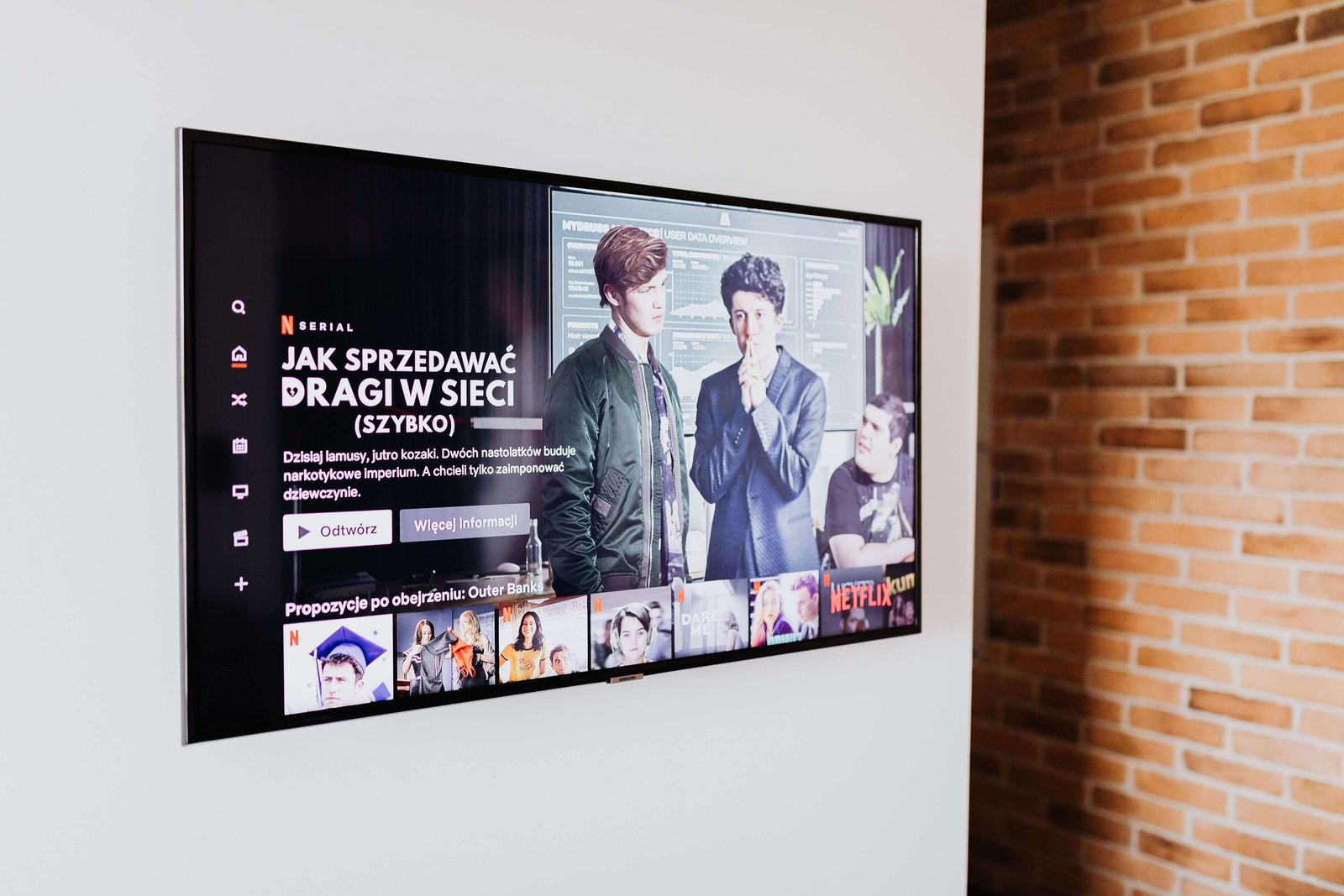
Buying a new TV can be exciting, but finding the right deal isn’t simply about choosing the model with the biggest discount.
A television can be a long-term purchase, so it’s important to consider the screen size, display technology, resolution, refresh rate, smart features, sound quality, connectivity, warranty and final price before buying.
Whether you’re looking for a TV for movies, sports, gaming, streaming or everyday entertainment, comparing the complete package can help you make a more informed purchase.
In this guide, we’ll explain how to find and evaluate TV deals in India and what to check before placing your order.
What Makes a TV Deal Worth Considering?
A good TV deal should provide the features you actually need at a price that fits your budget.
Before buying, consider:
- Final selling price
- Screen size
- Display technology
- Resolution
- HDR support
- Refresh rate
- Smart TV platform
- Processor and picture processing
- Sound quality
- HDMI and USB ports
- Wi-Fi and Bluetooth
- Warranty
- Seller reputation
- Bank offers and cashback
The lowest-priced TV isn’t necessarily the best value. The better approach is to find the right combination of features, performance and price for your requirements.
1. Decide Your TV Budget First
Start by deciding how much you want to spend.
You might set a budget such as:
- Under ₹20,000
- ₹20,000–₹35,000
- ₹35,000–₹50,000
- ₹50,000–₹75,000
- ₹75,000–₹1,00,000
- Above ₹1,00,000
Your budget gives you a starting point, but don’t spend your entire budget simply because a more expensive model is available.
Compare what you actually get for the additional money.
2. Choose the Right TV Screen Size
Screen size is one of the first things you should consider.
A larger TV can provide a more immersive viewing experience, but the right size depends on your room, seating distance and viewing preferences.
Common sizes include:
- 32-inch
- 43-inch
- 50-inch
- 55-inch
- 65-inch
- 75-inch
- 85-inch and larger
Don’t automatically assume that a bigger TV is better.
Consider where the TV will be placed and how far you normally sit from the screen.
A 55-inch television might be appropriate for one room, while a 43-inch model could make more sense for another.
3. Understand TV Resolution
Resolution refers to the number of pixels used to create the image.
You will commonly see:
- HD
- Full HD
- 4K Ultra HD
- 8K
For many modern TVs, 4K has become a common choice, particularly for larger screens and streaming content.
However, buying a higher-resolution TV isn’t always necessary for every room or budget.
Consider the screen size, viewing distance and type of content you normally watch before paying extra for higher resolution.
4. Understand LED, QLED and OLED TVs
Different display technologies can affect picture quality, brightness, contrast and price.
LED TVs
LED TVs are widely available and can offer a practical balance between price and features.
They are available in many sizes and price ranges.
QLED TVs
QLED technology generally uses a quantum-dot layer to enhance colour and brightness.
These TVs can be available at higher prices than basic LED models, although the actual specifications vary by manufacturer and model.
OLED TVs
OLED displays use individually controlled pixels and can produce very deep blacks and high contrast.
OLED models are often positioned in higher price ranges.
When comparing TV deals, don’t choose a display technology simply because it sounds more advanced. Compare the actual model, specifications and price.
5. Check HDR Support
HDR, or High Dynamic Range, can improve the range between darker and brighter parts of an image and can provide more detailed highlights and colours when supported content is viewed.
Different TVs support different HDR formats.
Before buying, check which HDR standards the TV supports and whether your preferred streaming services or devices make use of them.
6. Check the Refresh Rate
Refresh rate is measured in Hertz (Hz) and describes how frequently the display refreshes the image.
A higher refresh rate can be useful for smoother motion, particularly for sports and gaming.
However, advertised refresh-rate specifications can sometimes be presented differently by manufacturers.
When comparing TVs, check the actual native refresh rate and understand what the manufacturer means by any additional motion-processing number.
7. Think About Smart TV Features
A modern smart TV can provide access to streaming services, apps and other online features.
Depending on the TV, you may have access to services such as:
- YouTube
- Netflix
- Prime Video
- Disney+
- Other streaming and entertainment apps
Check the smart TV platform and supported applications before buying.
Also consider:
- Interface
- App availability
- Voice control
- Screen mirroring
- Software updates
- User experience
A smart TV isn’t only about the number of applications available. The overall interface and responsiveness can affect everyday use.
8. Check the TV Processor and Picture Processing
Smart TVs contain processors that handle applications, image processing and other functions.
Better processing can affect:
- Upscaling
- Motion handling
- Image processing
- App performance
- Smart TV responsiveness
Don’t judge a television purely by its processor branding. Look at independent reviews and real-world performance as well.
9. Check the Sound Quality
Picture quality gets most of the attention, but sound is equally important for everyday viewing.
Check:
- Speaker power
- Sound modes
- Dialogue clarity
- Dolby support, where applicable
- Bluetooth audio
- HDMI ARC/eARC support
If you’re planning to use a soundbar or home theatre system, make sure the TV has the connectivity you need.
10. Check HDMI and USB Ports
The number and type of ports can make a significant difference.
Depending on your setup, you may need HDMI connections for:
- Gaming consoles
- Streaming devices
- Set-top boxes
- Soundbars
- Blu-ray players
- Computers
USB ports can be useful for connecting storage devices and other accessories.
If you already own several devices, check the TV’s port configuration before buying.
11. Consider Gaming Features
If you plan to connect a gaming console or gaming PC, look beyond resolution.
Depending on your setup, consider:
- Refresh rate
- Input lag
- HDMI capabilities
- Variable refresh rate support
- Gaming modes
- HDR
- Resolution support
A TV designed primarily for movies may not offer the same gaming features as a model designed with gamers in mind.
12. Compare TV Prices Before Buying
Never assume the first price you see is the best available price.
Compare the same model across different retailers where possible.
For example:
TV A
Selling price: ₹59,999
Coupon: ₹2,000
Bank offer: ₹3,000
Effective price: ₹54,999
TV B
Selling price: ₹54,999
No additional offer
Effective price: ₹54,999
The two TVs may have the same final price but completely different specifications.
Always compare both the price and the features.
You can browse electronics deals on OfferAddaDeals to find available offers across electronics categories.
13. Check Bank Offers and Cashback
TV sales frequently include additional payment promotions.
Depending on the retailer, you may find:
- Credit card discounts
- Debit card offers
- EMI offers
- Instant discounts
- Cashback
- Promotional coupons
- Exchange benefits
Read the offer conditions carefully.
Some discounts may only apply to specific cards, transaction amounts or payment methods.
Calculate the effective price only after confirming that you qualify for the promotion.
14. Consider Exchange Offers
Some retailers provide exchange benefits when you replace an older TV.
The value can depend on:
- Brand
- Model
- Age
- Screen size
- Working condition
- Physical condition
- Verification
Don’t assume the maximum advertised exchange amount will automatically apply to your TV.
Compare the exchange value with the price you might obtain by selling the old TV separately.
15. Check the Warranty and Installation
Before buying a television, check the warranty terms and installation arrangements.
Look for information about:
- Product warranty
- Panel warranty
- Installation
- Wall mounting
- Stand installation
- Service support
- Extended warranty options
Also check whether installation is included or requires an additional charge.
For a large TV, understanding the installation process before purchase can prevent unexpected costs.
16. Check the Seller Before Ordering
When buying an expensive electronic product online, check the seller information carefully.
Look at:
- Seller name
- Seller ratings
- Product authenticity
- Return policy
- Replacement policy
- Warranty
- Delivery information
The lowest price isn’t necessarily the right choice if the seller or after-sales arrangements don’t meet your expectations.
17. Don’t Buy a TV Just Because It Has a Huge Discount
A large discount can make a TV look attractive, but the discount percentage doesn’t tell you whether it is the right television for you.
Instead, compare:
- Original and current price
- Screen size
- Display technology
- Resolution
- HDR
- Refresh rate
- Smart features
- Sound
- Connectivity
- Warranty
A TV with a smaller discount may provide better value if it has the features you actually need.
18. Consider Previous-Generation Models
When a new TV series launches, older models may become available at lower prices.
That doesn’t automatically make an older TV a bad choice.
If the previous-generation model still offers the picture quality, smart features, connectivity and warranty you need, compare it with the newer model.
Pay attention to the actual differences between generations rather than buying the newest model simply because it is newer.
19. Read Reviews Before Buying
Product specifications don’t tell you everything about how a television performs.
Look for reviews that discuss:
- Picture quality
- Brightness
- Contrast
- HDR performance
- Upscaling
- Motion handling
- Sound
- Smart TV performance
- Remote control
- Gaming performance
- Connectivity
- Build quality
Independent reviews can help you understand how the TV performs in everyday situations.
20. Watch Major Online Shopping Sales
Major shopping events can bring additional TV discounts, coupons, bank offers and exchange promotions.
However, don’t assume every sale price is automatically the lowest price.
Before a major sale, shortlist the models you’re interested in and note their prices.
When the sale begins, compare the current price with previous prices and calculate the final cost after eligible offers.
How to Find Better TV Deals in India
Follow these steps before buying a television.
Step 1: Set your budget
Decide how much you want to spend.
Step 2: Choose the screen size
Consider your room, viewing distance and preferences.
Step 3: Decide which features matter
Prioritise picture quality, gaming, streaming, sound or other features depending on your usage.
Step 4: Shortlist a few models
Choose several TVs that meet your basic requirements.
Step 5: Compare prices
Check the same models across multiple retailers.
Step 6: Check coupons and payment offers
Look for eligible bank discounts, cashback and exchange benefits.
Step 7: Check warranty and installation
Make sure you understand what’s included with the purchase.
Step 8: Read independent reviews
Check real-world picture, sound, smart TV and gaming performance.
Step 9: Calculate the complete cost
Include accessories, installation, wall mounting or other additional expenses where applicable.
Step 10: Buy when the overall value makes sense
Don’t purchase simply because a large discount or sale countdown appears on the screen.
TV Shopping Checklist
Before placing your order, check:
- Is the TV within my budget?
- Is the screen size suitable?
- Is the resolution suitable?
- Is the display technology right for me?
- Does it support HDR?
- Is the refresh rate suitable?
- Does the smart TV platform support the apps I use?
- Is the sound quality sufficient?
- Does it have the ports I need?
- Is it suitable for gaming if required?
- Did I compare prices?
- Did I check coupons?
- Did I check bank offers?
- Did I check cashback?
- Did I check exchange benefits?
- Did I check installation terms?
- Did I check the warranty?
- Did I read independent reviews?
- Did I calculate the final cost?
Frequently Asked Questions About TV Deals in India
What is the best way to find TV deals in India?
Compare the same TV model across different retailers and calculate the final price after eligible coupons, bank discounts, cashback and exchange benefits.
What should I check before buying a TV?
Check screen size, resolution, display technology, HDR, refresh rate, smart TV features, sound, connectivity, warranty, seller information and final price.
Is a bigger TV always better?
Not necessarily. The appropriate screen size depends on your room, viewing distance, content and personal preference.
Is 4K worth it when buying a TV?
4K can be useful, particularly for larger screens and compatible content. However, consider your viewing distance, screen size, budget and content before choosing a TV.
What is the difference between LED, QLED and OLED TVs?
They use different display technologies and can differ in brightness, contrast, colour performance and price. Compare the specifications and actual model rather than relying only on the technology name.
Are smart TVs worth buying?
A smart TV can provide convenient access to streaming services, applications and online features. Check the platform, supported apps, interface and software support before buying.
Is a high refresh rate important for a TV?
A higher refresh rate can be useful for smoother motion, particularly for sports and gaming. However, compare the TV’s actual native refresh rate and other motion features.
Are TVs cheaper during online sales?
Sales can provide discounts, coupons and payment offers, but prices vary by model and retailer. Compare the actual final price instead of assuming every sale price is the lowest.
Should I buy an older TV model if it is discounted?
It can be worth considering if the picture quality, smart features, connectivity, warranty and other specifications meet your requirements. Compare it with newer models before buying.
Final Thoughts
Finding the best TV deals in India isn’t simply about finding the biggest discount.
A better approach is to choose the right screen size and display technology for your needs, compare important features, check the final price and review warranty and installation details before purchasing.
Whether you’re buying a TV for movies, sports, gaming, streaming or everyday entertainment, taking time to compare different models can help you make a more informed purchase.
For more ways to save while shopping online, explore OfferAddaDeals and browse the latest electronics deals.
You can also check relevant retailer offers such as Reliance Digital deals when comparing electronics prices.
Disclaimer: Prices, discounts, coupons, cashback offers, bank promotions, availability, specifications and other terms can change at any time. Always verify the final price, product specifications, seller information, warranty, installation details and offer terms on the retailer’s website before purchasing.